How to hide packs from the storefront and make them available only from the single unit product pages?
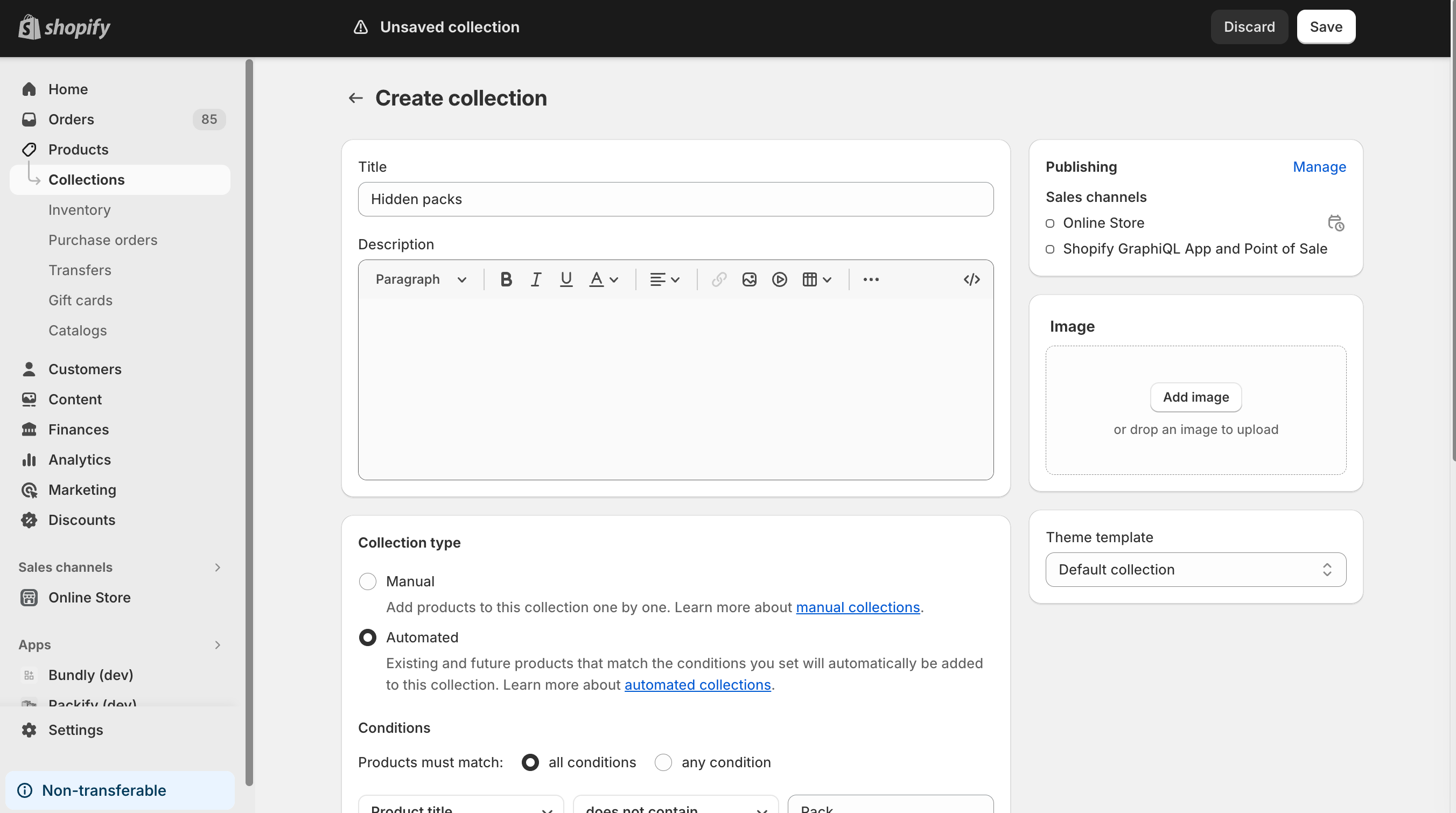
You can hide the packs from the storefront by excluding them from the collections that are displayed on the storefront. To do that, please go to the Products page in Admin, and selectCollections. Next, click on theCreate collectionbutton and give the collection a name, e.g.,Hidden packs.
Next, select theAutomaticcollection type and set the condition toProduct title does not contain Pack. After that, click theEditlink in theSearch engine listingsection and set theHandletoall.
Finally, click theSavebutton. The packs will be hidden from the storefront, but they will still be available from the single unit product pages.